
By Adrian
Let’s talk in depth about how you can customize/edit your Reddit profile to promote your LoyalFans account… and what you should look for before moving forward. This is an important step that should not be skipped!
Reddit can really help you reach a lot of people, but the key is making your profile look legit and easy for people to navigate. Let’s walk through this in a simple way, like you’re chatting with a friend who knows the ropes.
1. Pick the most effective UserName on Reddit
Reddit username can’t be changed! It’s the first thing that needs to be done, and you need to be a bit careful about this. The username is how people will find you, so it’s gotta be memorable. Ideally, you want it to match your LoyalFans name or at least be close enough so people can easily find you.
· If your LoyalFans name is GoddessSally, try to go for the same on Reddit, like GoddessSally or GoddessSally_Official. This way, people can easily search for you across different platforms.
· You can use letters, underscore “_” and numbers in your Reddit nickname
2. Profile Picture/Avatar Image
When people are checking your profile, the first thing they see is your profile picture/avatar. That’s why you need to choose a picture that represents you.
· Go for a clear, good-quality photo of yourself. It’s better if you use the same avatar image for all your social media accounts. It’s easy for members to remember you.
· Keep in mind that, on Reddit, it’s a small, round image. That means you need to be in the center of the pic.
· Don’t let it be blank. A profile without a picture feels a bit, well… meh. You want people to feel like you’re real and worth following.
3. Write a Description
Your description is one of the first things a member would check when they visit your profile. It has a limited word count you can use, which is why it doesn’t need to be anything fancy, but it should tell people who you are in just a few words. Think of it as your quick intro.
· Keep short and to the point. Remember the word count, so you need to be clear.
· Most importantly, make sure you mention your LoyalFans in the description. You want to make it as easy as possible for people to find you.
Here’s an example: “Hey, I’m SweetSally 🌸 I share exclusive content on LoyalFans! Come check it out for behind-the-scenes fun and more! LoyalFans.com/SweetSally”
4. Add Your LoyalFans Link to your Profile
An amazing thing about Reddit is that it lets you add links directly to your profile. This is a prime spot to drop your LoyalFans link. Use the mobile app for this, as it’s easier there.
· Head to your profile, hit “Edit” and then choose the button “+ Social link” and paste your LoyalFans URL. It’s a clickable button, and you want members to visit your profile as easily as possible.
· Label it clearly: “LoyalFans!” or “Private Content” or “Premium Content” or “Exclusive Content” – something along those lines. That way, people know exactly where they’re headed when they click.
5. Pin a Post on your Profile
You really want to take advantage of all the tools reddit offers you, and one of those is a pinned post on your profile. That’s why we suggest you create one or more pinned posts on your profile advertising your LoyalFans account or store. The pinned posts remain on top of your profile until you decide to unpin them.
· Make an image post using a hot image and use a catchy title about what people can expect on your LoyalFans. Maybe mention the type of content you offer or any promos you’re running. Then, you should post the link in comments, and pin the comment.
· If you post a direct link to your LoyalFans page, that would work also but it would not show an image – and the image is what might catch the members’ attention. If a member clicks on the title, it would be directly sent to your profile.
· Once you’ve made the post on your profile, click the three little dots and hit “Pin Post” so it stays at the top.
Here’s an example of a title:
“Hey everyone! 🌸 If you’re into exclusive content, check out my LoyalFans. I post new stuff daily!”
6. Mobile App vs Desktop
Now, here’s something confusing that you really need to know: Reddit looks and works a little differently depending on the device you are using it on. Whether you’re on your computer or phone sometimes makes your life easier (or not). As some features are easier to find/exist on one of those or the other.
· New Reddit (on desktop): For a while it was new.reddit.com now the default is sh.reddit.com. It might be really confusing. This is the default version when you use Reddit on your computer. It’s modern, and you’ll find most features here.
· Old Reddit (on desktop): If you’re into the old-school vibe, you can still access the older version of Reddit at old.reddit.com. It’s simple and straight to the point, but some of the newer features are missing here… like uploading images. And uploading images is crucial for promotion.
· Reddit Mobile App: If you’re on your phone a lot, the Reddit app is your best bet. Some things like adding images, editing your profile, or posting on the go are just easier in the app. Plus, you’ll get notifications right to your phone, so you never miss a beat.
TIPS: If you can’t find a feature on the desktop version, try checking the mobile app. Sometimes Reddit makes things easier to do on mobile, like adding a social link on the profile. This feature is only accessible from the reddit app.
For posting, I consider reddit desktop to be faster as you can easily drag and drop an image, put the title and you are ready to go. I consider the mobile app easier for account settings.
7. Banner
If you want to customize your profile a bit more, you can add a banner image.
· You can easily add a banner on top of your reddit profile using the reddit app, choosing edit profile. Use something suggestive and related with the content you are promoting/create!
8. It’s all about Being Active
Like all the other social media, it’s all about being active. After you create your account and you start posting, you should stick to it and do this daily. There is competition between content creators who are posting on to the communities. You need to have an active presence and to be seen by the members, so keep in mind and make this as a daily routine.
· Don’t be shy about posting teasers or sneak peeks of your LoyalFans content. Just make sure to follow the subreddit rules so you don’t get flagged.
· Remember, responding to comments as much as possible builds that connection with your followers. People love it when creators take the time to interact, and it keeps them coming back for more.
· Try to keep PM & Chat active and use them to promote your LoyalFans profile. Don’t be shy to block freeloaders.
Conclusions
At this moment, your Reddit profile is 100% ready to be used to promote your LoyalFans account.
You want to keep it consistent, simple, and make it a daily routine.
For more advanced reddit settings, please take a look at the next videos and/or attend the Reddit classes.
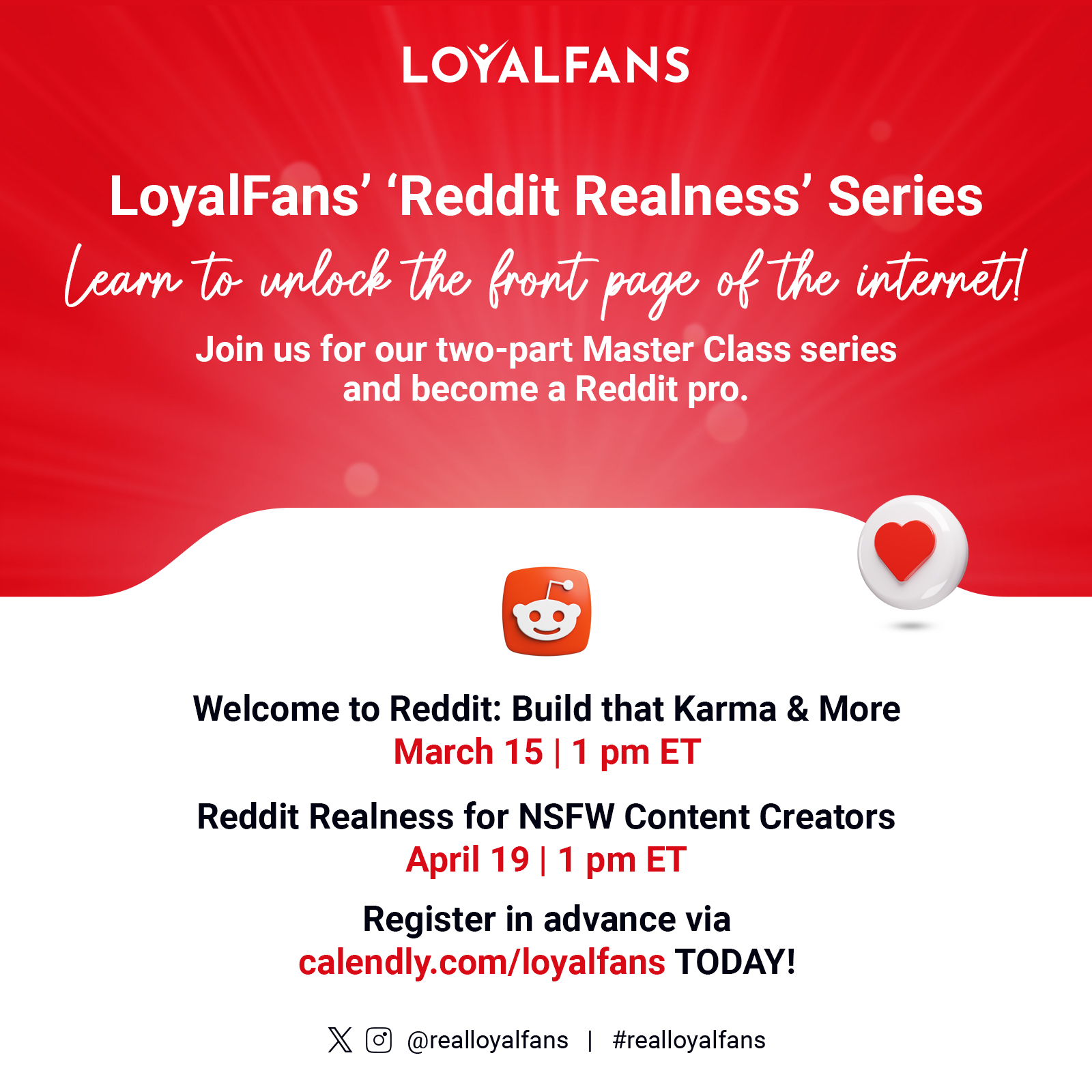
LoyalFans “Reddit Realness” Series
Part 1 here
Part 3 here
—
About LoyalFans.com
LoyalFans.com is a premium social media fan club that enables influencers, creators, artists, public figures, and all types of compelling people to interact with and share various forms of original content with their most loyal fans. Creators’ loyal fans can become supporters in exchange for exclusive benefits offered via the platform, facilitating an opportunity to turn individual ingenuity and influence into a thriving business.
LoyalFans invites all people and personalities to create, share, and connect via the platform, thereby manifesting opportunities to earn revenue and grow. LoyalFans welcomes and supports all forms of positive, consensual, creative expression.